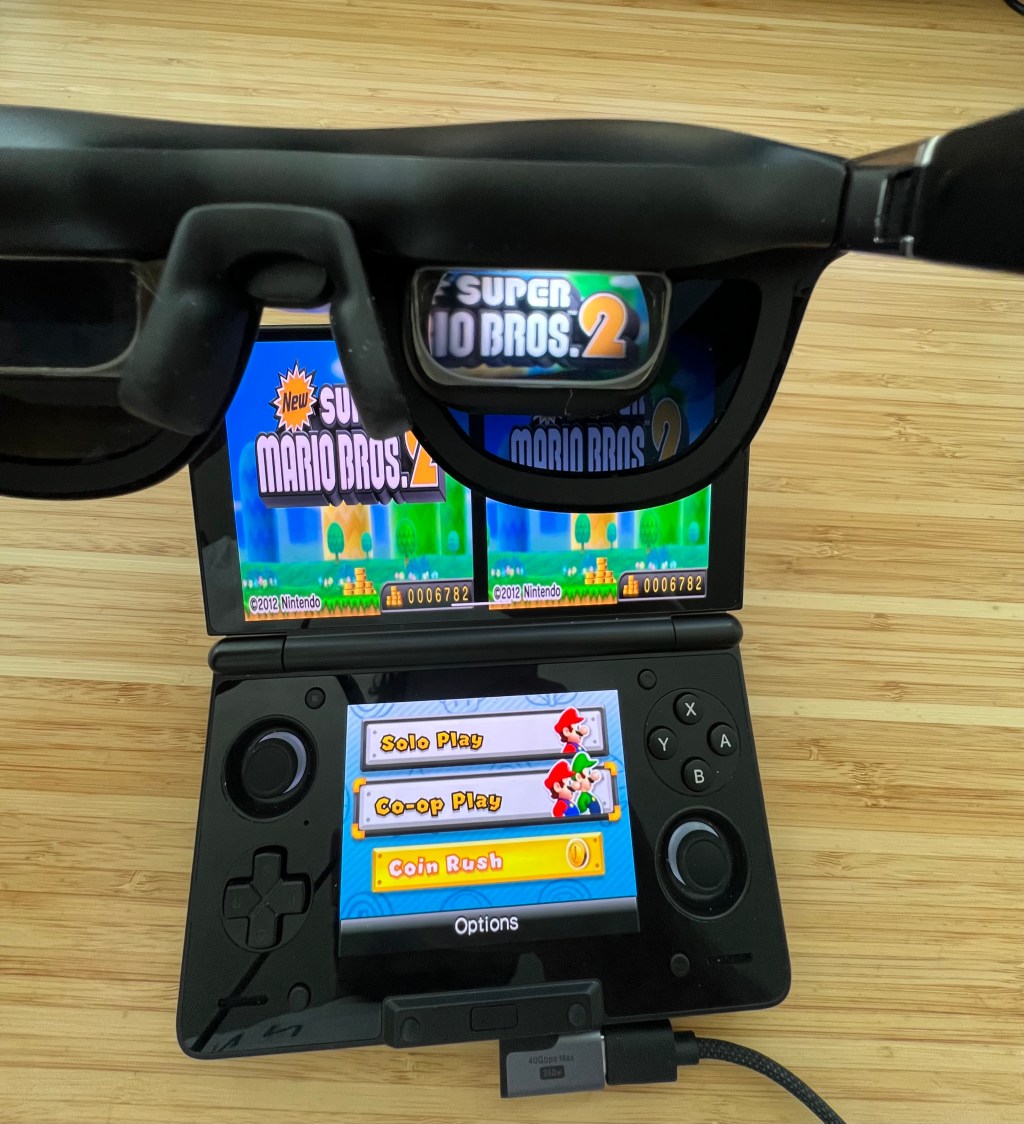
Playing Nintendo 3DS games in 3D in XR glasses looks better than it ever did on native 3DS hardware. With super-sampling, the game will look quite sharp, blown up on a large private, virtual display.
This is a guide describing my hardware and software setup for playing 3DS games in 3D.
Hardware setup
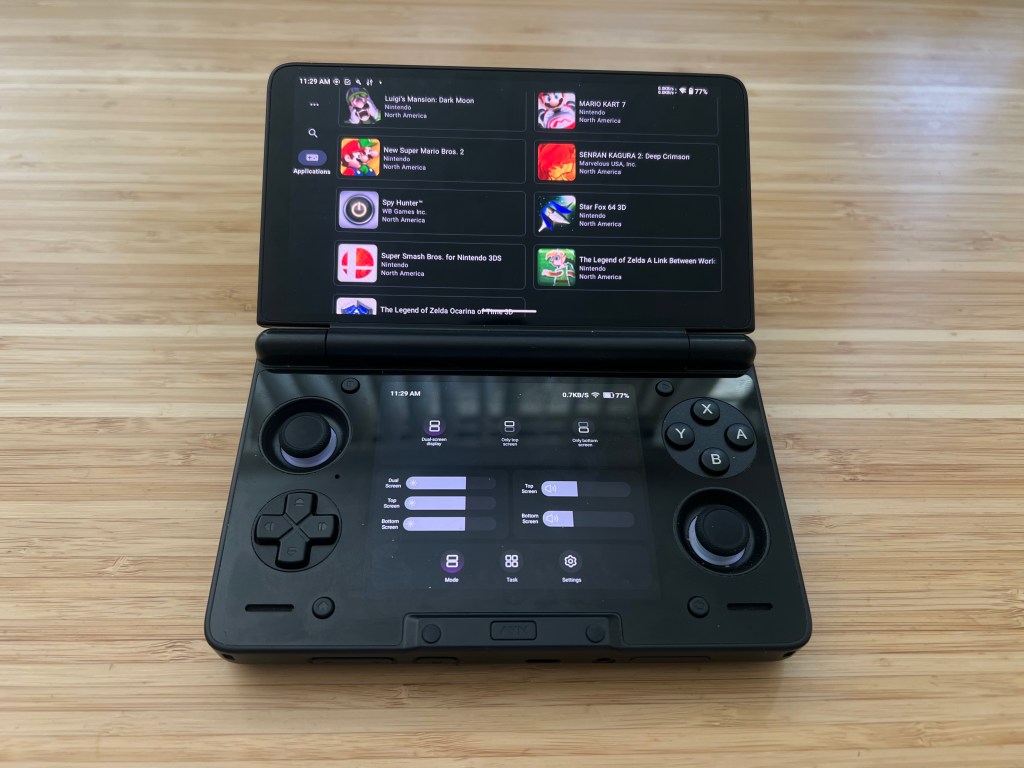
Game Console: AYN Thor
I’m running the game on an AYN Thor because it’s the perfect handheld device for playing 3DS games with its dual screen, clamshell formfactor.
You can likely get away with play 3DGS games on most other single screen devices like a steam deck (refer to this YT tutorial video) as well, since the bottom screen in many games isn’t all that necessary.
XR Glasses: XReal One Pro
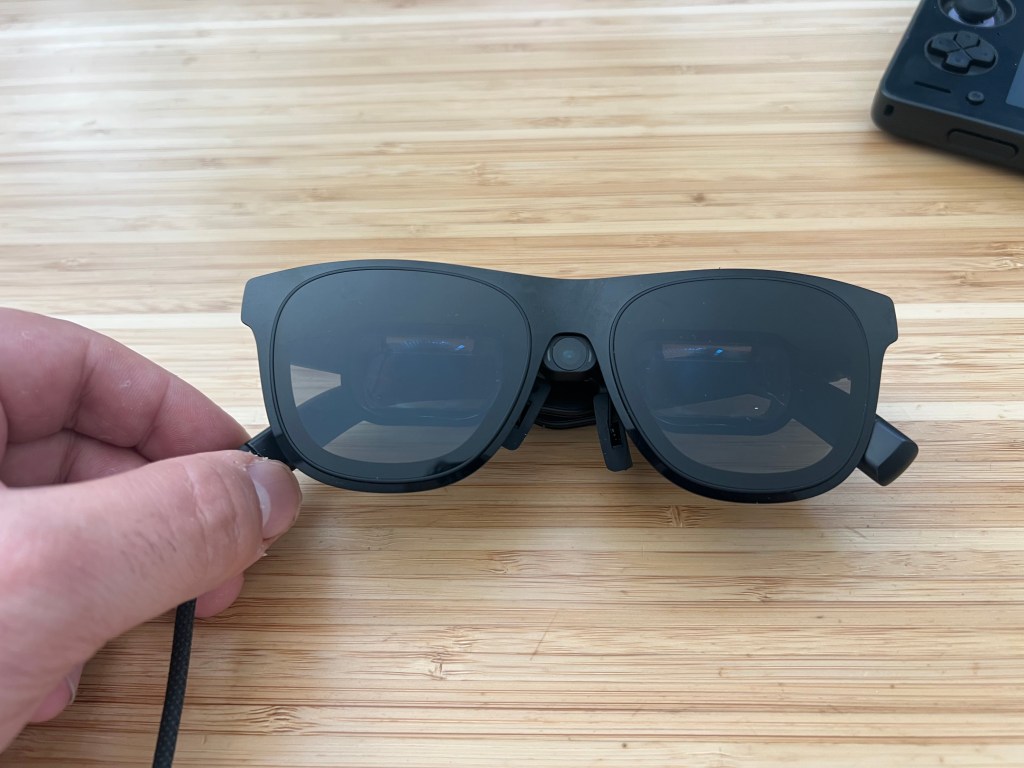
I’m using an XReal One Pro headset as my head mounted display. Older Xreal glasses will work as well, as well as other XR glasses like VITURE, Rokid, etc. as long as they have a native half side-by-side (SBS, HSBS) 3D mode to enable.
Software Setup
Emulator Software: Azahar (Android)
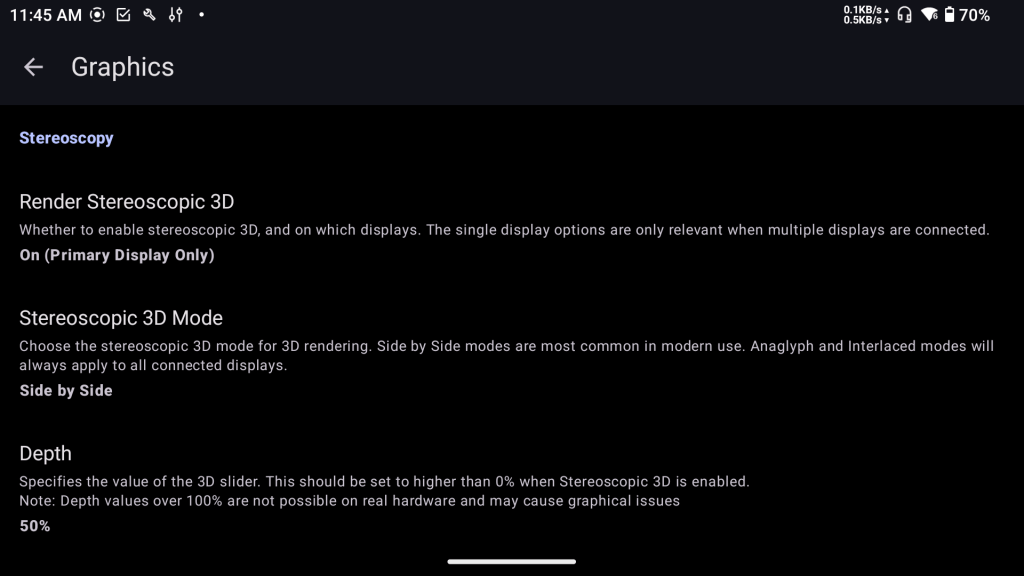
Assuming you have 3DS ROMs already downloaded, installed, and running in Azahar, to enable the 3DS games to run in 3D, enable the following options:
- Azahar >
- Options >
- Settings >
- Graphics
- Stereoscopy
- Render Stereoscopic 3D: On (Primary Display Only)
- Stereoscopic 3D Mode: Side by Side
- Depth: 50 (adjust this as you’d like)
- Renderer
- Graphics API: Vulkan
- Internal Resolution: 3x Native (1200×720) (adjust this as you’d like)
- Stereoscopy
- Graphics
- Settings >
- Options >
XREAL 3D settings
Once the game is running, you should see the game being rendered twice, side by side, with each view squished so that both views can fit into a 16:9 frame. You now need to enable 3D mode (half side by side) in your glasses to unstretch and route those two views to each eye.
In your XREAL glasses, double click the bottom button to open up the menu.
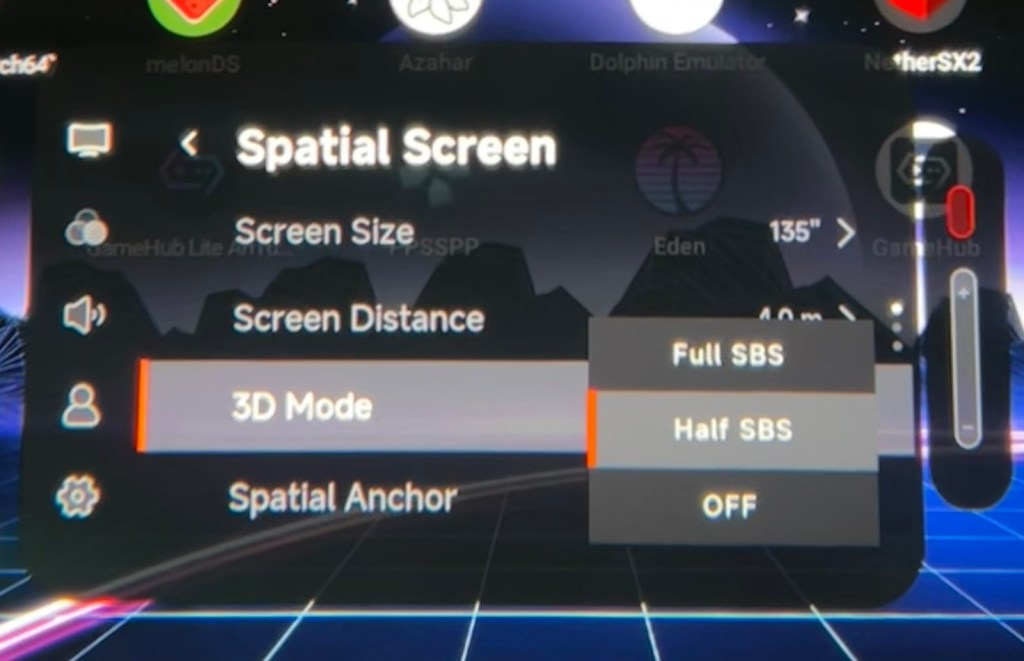
- XREAL Menu > Spatial Screen
- 3D mode: Half SBS
In my XREAL One pro, I have a “Quick Button” which I can assign as a hotkey to enable various settings. Here, I’ve assigned the “double press” hotkey to enable/disable half SBS mode, which I highly recommend.
- XREAL Menu >
- My (the person looking icon) >
- Quick Button >
- Double click: 3D Half SBS
- Quick Button >
- My (the person looking icon) >
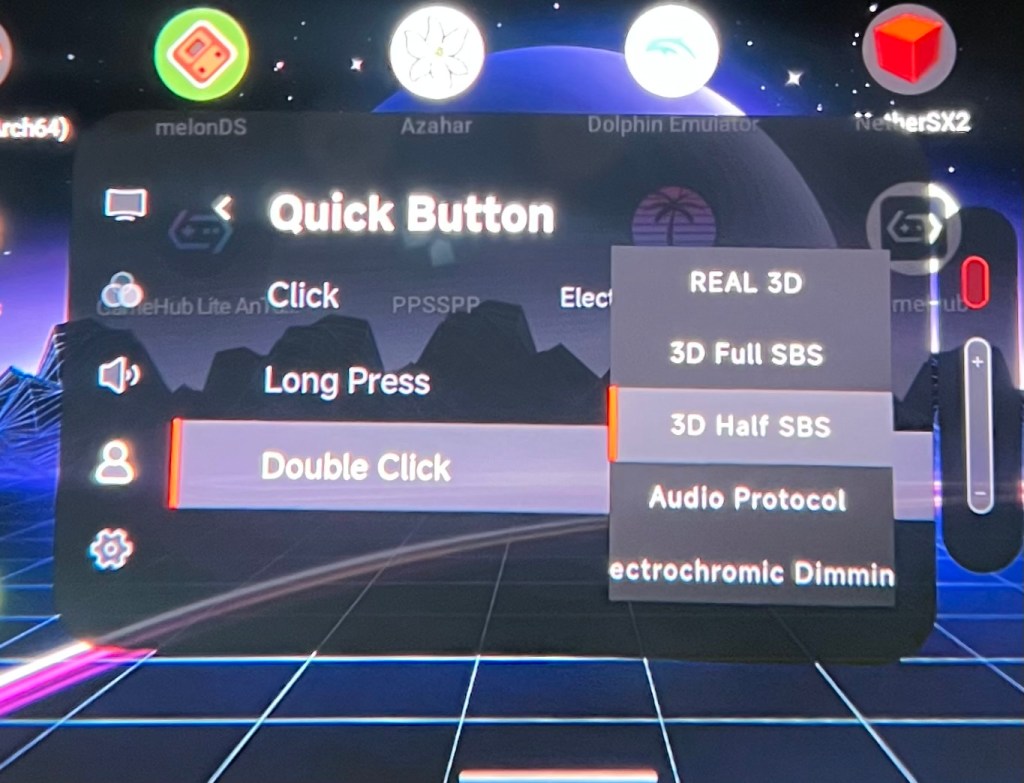
With the hotkey it’s very easy to jump back and forth b/w 2D and 3D.
Enjoy!

